 quiki.io
See Quiki in action
Save it from the share button, find it later by whatever you remember.
See how it works
Works with TikTok, Instagram and YouTube
Save from TikTok
Tap Share, then Quiki, and keep scrolling.
Save from Instagram
Share a Reel to Quiki and see what comes back.
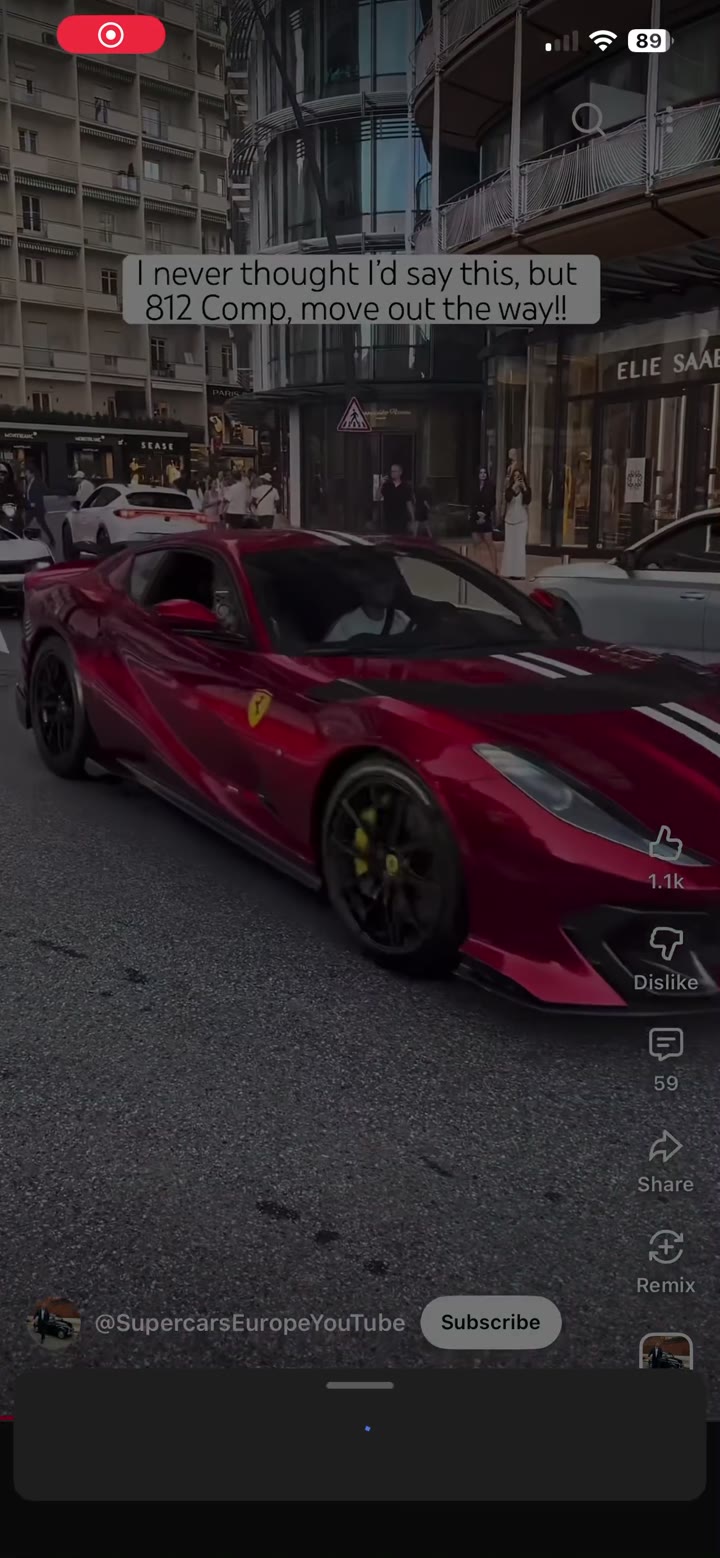
Save from YouTube
- Tap Share under the video.
- Choose Quiki. Tap More if you can't see it.
- Keep watching. It lands in your library.
What you get after a scan
A summary, a transcript and a close look at the video.
How it works
📋
Drop a link
Paste any TikTok, Reel, or YouTube URL. We pull metadata in seconds.
🤖
Quiki summarizes
Get an AI summary, topic tags, and (with credits) a searchable transcript.
🔍
Find it again
Search by keyword, platform, or hashtag. Your hoard, organized automatically.