 quiki.io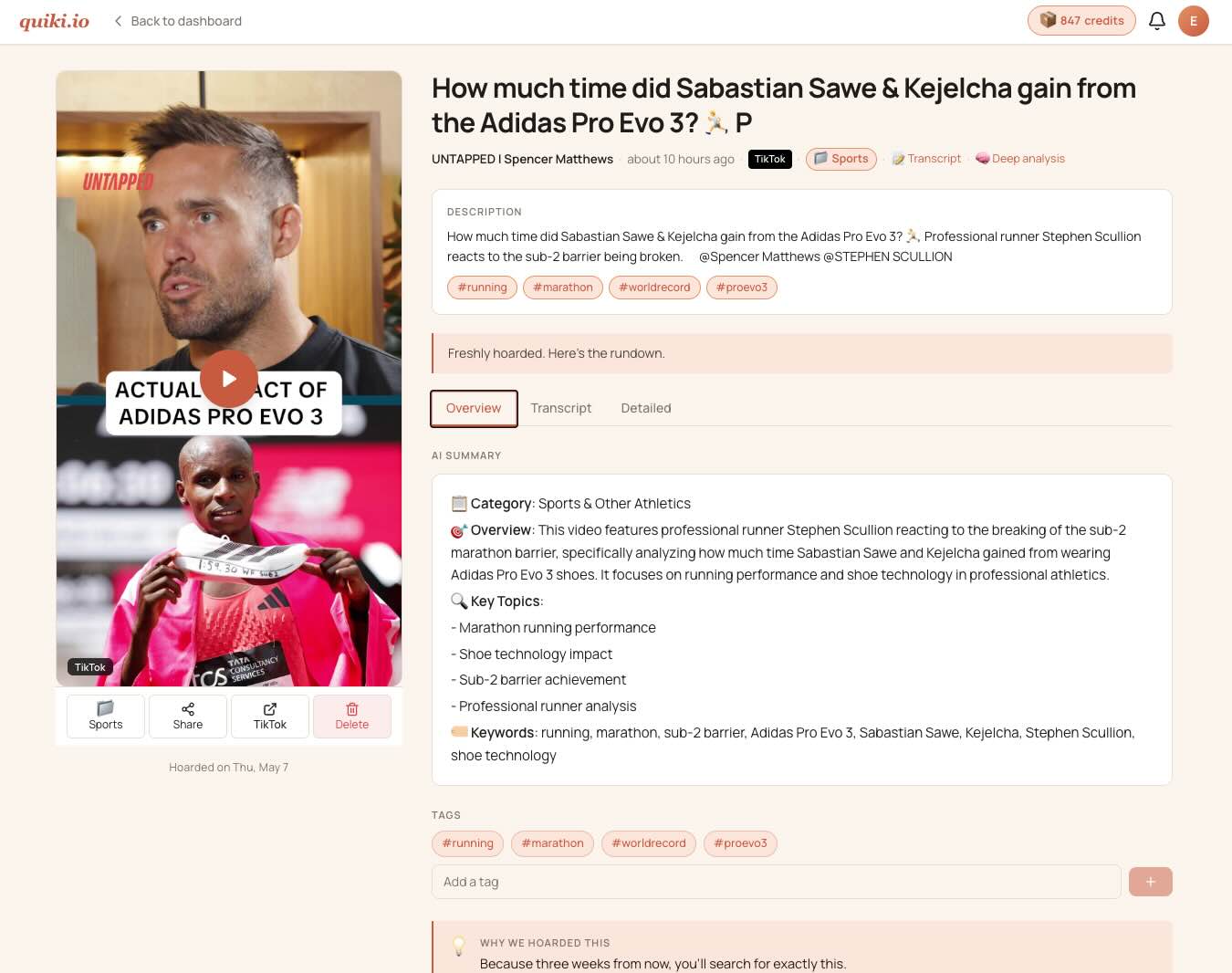
Plug Quiki into your AI agent
Quiki now ships an MCP server. Claude, Cursor, Codex, any agent that speaks MCP can scan and read your video library directly.
Most of you scan videos yourselves. Paste a URL, wait for the summary, file it, move on. That is going to keep being the main use case.
Some of you are also running agents now. Claude doing research, Codex pulling context, a custom assistant trying to make sense of TikTok trends for a brand brief. Quiki was not reachable from any of them.
It is now.
What an MCP server is
MCP is a small protocol that lets language models call out to external tools in a uniform way. Claude Desktop, Claude Code, Cursor, the major agent runtimes all speak it. A server exposes a list of tools. The model picks one, fills in arguments, gets a result, keeps going.
Quiki ships one. The endpoint is mcp.quiki.io. You give it a token, it gives your agent the same library you use in the browser, plus the ability to start new scans on demand.
The tools
scan_url runs a fresh scan. You pass a URL and a mode. Fast for a metadata pass, Deep for full Apify processing on TikTok or Instagram, Transcript when you need the words.
get_video pulls the analysis for a video already in your library.
list_recent_videos returns the last N scans, with filters by platform, folder, and date.
bulk_import queues a pre-checked batch of URLs. Useful when an agent has sourced fifty links and wants to file them in one go.
get_bulk_import_status reports back as the queue moves through.
get_scan reads a single scan in flight.
whoami reports your tier, credit balance, MCP entitlement state, and rate-limit budget. Agents tend to check this first.
Credits, plainly
Same wallet as the web app. Fast scan is 1 credit. Transcript scan is 5. Deep scan is 10. Your monthly Agency allowance covers all three. There is no separate API plan to top up.
Turning it on
The MCP server is part of Agency Plus, which is the Agency tier with the MCP entitlement attached. Existing Agency customers can buy the upgrade as an add-on at checkout. New customers see the bundled option on the pricing page. Either way the same thing happens next: a section appears on your Account page called "API and MCP access", you mint a token, you copy it once, you paste it into your agent config.
The token shows once for a reason. Lose it, rotate it, get a new one. The button is right there.
What I am using it for
I am the first customer. The Quiki blog research, the trending audio surveys, the competitor scans I do every Friday, all of it runs from Claude Code calling these tools now. It saves me a tab and a lot of context-switching.
Build something interesting on top of it? Send a note via the help bubble or to hello@quiki.io. I want to see what you do with it.
Your saved videos miss you. Go find them.
Join the creators, marketers, and agencies using Quiki.io to organize their video hoard.